

 Imeth Sahabandu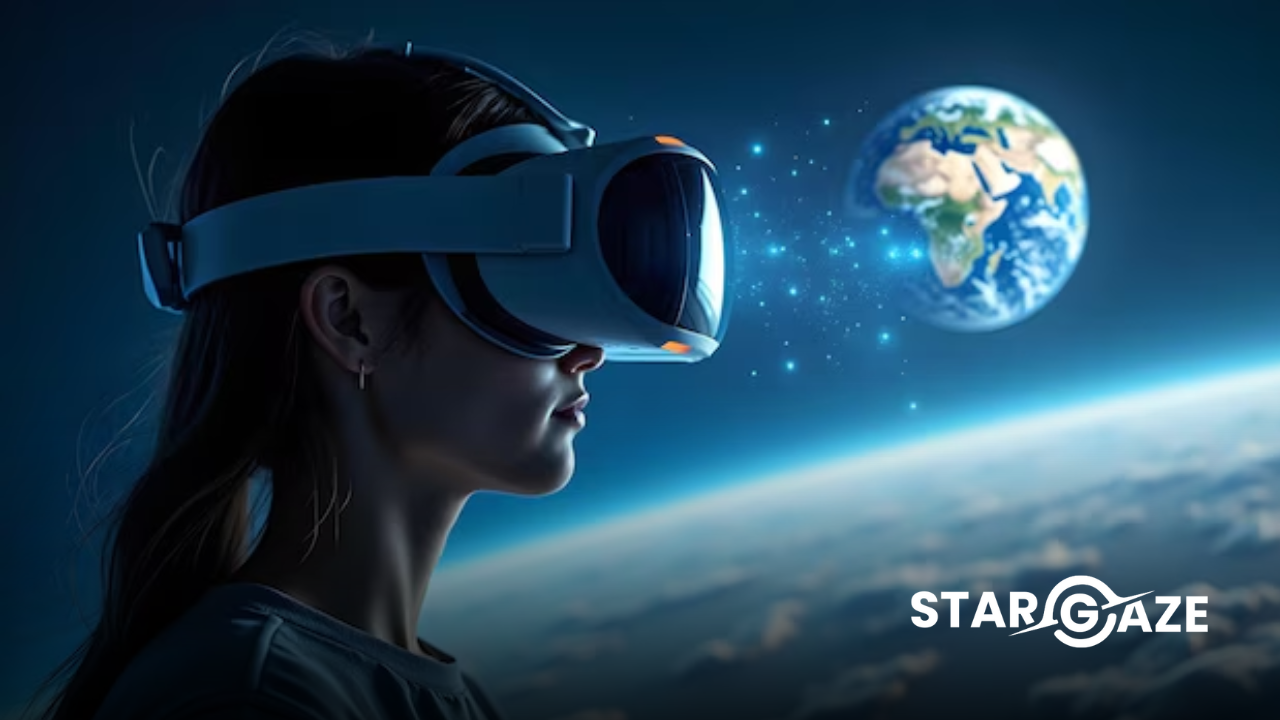
If you’ve been searching for an honest Stargaze AR review before downloading — you’re in the right place. In this complete Stargaze AR review we cover everything you need to know about the app — what it does, who it’s for, what’s included, how it performs across iOS, Android and Meta Quest, and whether it’s worth downloading in 2026.
Short answer — yes, absolutely. But read on for the full picture.
👉 Download Stargaze AR now: App Store Free | App Store Premium | Google Play Free | Google Play Premium | Meta Quest
Stargaze AR Review — Overview
App name: Stargaze AR Developer: Envision Studio Available on: iOS, Android, Meta Quest Price: Free (with premium upgrade) on iOS and Android | Paid on Meta Quest Best for: Space enthusiasts, students, teachers and families of all ages
Stargaze AR is an augmented reality space exploration app that places photorealistic 3D planets, spacecraft and astronauts directly in your real environment through your device camera. Point your smartphone, tablet or Meta Quest headset at any flat surface and watch the universe come to life around you.
Developed by Envision Studio — a world-class XR development company trusted by governments and global enterprises across the US, Europe, Singapore and Japan — Stargaze AR brings the same quality and attention to detail to consumer space education that the studio delivers to its enterprise clients worldwide.
Stargaze AR Review — What’s Included
This Stargaze AR review covers everything included in the app across all platforms:
🪐 10 Planet Models
Every planet in our solar system is included — Mercury, Venus, Earth, Mars, Jupiter, Saturn, Uranus, Neptune, Pluto and the Sun. Each planet is rendered in photorealistic 3D with accurate scale, surface texture, atmospheric effects and geological detail.
What stands out in this Stargaze AR review is the quality of each model. Jupiter’s Great Red Spot is clearly visible and accurately positioned. Saturn’s ring structure is detailed enough to distinguish the Cassini Division. Earth’s continents, oceans and cloud layers are all accurately represented.
The scale comparison feature is particularly impressive — placing Earth and Jupiter side by side in your living room gives you an immediate, visceral understanding of just how enormous the gas giants are compared to our home planet.
🚀 10 Spacecraft Models
One of the highlights of this Stargaze AR review is the spacecraft collection — 10 iconic machines that have defined the history of space exploration:
- Voyager — the most distant human-made object ever launched
- Hubble Telescope — the space observatory that transformed our understanding of the universe
- New Horizons — the probe that gave us our first detailed images of Pluto
- Cassini — the Saturn mission that discovered geysers on Enceladus
- Eagle Landing Module — the Apollo 11 lunar module that carried Armstrong and Aldrin to the Moon
- Juno — currently in orbit around Jupiter
- Shuttle Atlantis — one of NASA’s iconic Space Shuttle fleet
- Satellite — a communications satellite model
- Ground Satellite — a ground-based satellite dish model
- Apollo 11 Command Module — the capsule that carried the crew home from the Moon
Each spacecraft can be examined from every angle in full 3D — allowing users to appreciate the extraordinary engineering that went into these machines.
👨🚀 7 Real Astronaut Models
The astronaut collection is where this Stargaze AR review gets genuinely emotional. Stargaze includes life-size 3D models of 7 real astronauts who changed the course of human history:
- Neil Armstrong — first human to walk on the Moon
- Yuri Gagarin — first human in space
- Buzz Aldrin — second human to walk on the Moon
- Valentina Tereshkova — first woman in space
- Chris Hadfield — Canadian astronaut and science communicator
- Mae Jemison — first African-American woman in space
- Sally Ride — first American woman in space
Standing face to face with a life-size Neil Armstrong in augmented reality — in your own living room — is an experience this Stargaze AR review simply cannot do justice to in words. You have to experience it.
Stargaze AR Review — Performance by Platform
iOS Performance
On iPhone and iPad Stargaze AR performs excellently. The AR tracking is stable and responsive — 3D objects stay anchored to surfaces accurately even as you move around them. The app runs smoothly on all modern iOS devices and supports Apple ARKit for the most accurate AR tracking available on iPhone.
The free version provides meaningful access to the app’s content — enough to understand what Stargaze is and fall in love with it. The premium upgrade unlocks the full content library.
iOS verdict in this Stargaze AR review: Excellent ⭐⭐⭐⭐⭐
Android Performance
On Android Stargaze AR uses Google ARCore for AR tracking — delivering smooth, stable performance across a wide range of Android devices. The free version is available on Google Play with a premium upgrade available.
Android verdict in this Stargaze AR review: Excellent ⭐⭐⭐⭐⭐
Meta Quest Performance
The Meta Quest version of Stargaze — available as Stargaze XR on the Meta Store — takes the experience to an entirely different level. Rather than viewing planets through a phone screen, you are surrounded by them in full mixed reality.
The Meta Quest version uses the headset’s passthrough cameras to blend the virtual solar system with your real environment. Planets, spacecraft and astronauts appear at room scale — you can literally walk around a full-size Saturn or stand next to a life-size Apollo 11 Command Module.
This is the definitive way to experience Stargaze and the highlight of this entire Stargaze AR review. If you own a Meta Quest headset — download Stargaze XR immediately.
Meta Quest verdict in this Stargaze AR review: Outstanding ⭐⭐⭐⭐⭐
Stargaze AR Review — Who Is It For?
Based on this Stargaze AR review here’s exactly who will love Stargaze AR:
Children aged 5-12: The wonder of seeing planets appear in your room never gets old for young children. Stargaze creates memories and an emotional connection to space science that lasts a lifetime.
Students aged 12-18: Stargaze makes solar system study interactive and memorable. Comparing planet sizes, examining spacecraft missions and learning about real astronauts becomes engaging rather than passive.
Teachers and educators: Stargaze is an outstanding classroom tool for STEM lessons on the solar system, space exploration history and astronomical scale.
Adult space enthusiasts: For anyone who loves space — Stargaze delivers a genuinely impressive and immersive experience regardless of age.
Meta Quest owners: If you have a Meta Quest headset and any interest in space — this Stargaze AR review is telling you to download it right now.
Stargaze AR Review — Pros and Cons
✅ Pros
- Stunning photorealistic 3D quality across all models
- Comprehensive content — 10 planets, 10 spacecraft, 7 astronauts
- Available across iOS, Android AND Meta Quest — rare for a space app
- Free version available on iOS and Android
- Suitable for all ages from 5 to adult
- Excellent AR tracking on all platforms
- Developed by a world-class XR studio with enterprise credentials
❌ Cons
- Meta Quest version is paid only — no free tier
- No real-time astronomical data showing current planet positions
- No constellation identification feature
Stargaze AR Review — Final Verdict
This Stargaze AR review reaches one clear conclusion — Stargaze AR is the best augmented reality space exploration app available in 2026.
The quality of the 3D models, the breadth of the content library, the cross-platform availability and the genuine educational value combine to create an experience that no other space app comes close to matching. On Meta Quest in particular Stargaze delivers something genuinely extraordinary — the feeling of standing inside the solar system in your own home.
Whether you’re a parent looking for an educational app for your children, a teacher wanting to bring space science to life in the classroom, or a space enthusiast who wants the most immersive AR experience available on your phone or headset — this Stargaze AR review recommends Stargaze AR without hesitation.
Overall rating: 5/5 ⭐⭐⭐⭐⭐
How to Download Stargaze AR
Step 1 — Choose your platform below and tap download Step 2 — Open the app and point your camera at any flat surface Step 3 — Select a planet, spacecraft or astronaut Step 4 — Watch the universe appear in your real environment Step 5 — Explore, rotate and discover — the cosmos is now in your hands
👉 Download Stargaze AR now: App Store Free | App Store Premium | Google Play Free | Google Play Premium | Meta Quest
Frequently Asked Questions — Stargaze AR Review
Is Stargaze AR free? Yes — Stargaze AR has a free version on both iOS and Android. A premium version unlocking the full content library is available as an upgrade. The Meta Quest version is a paid app.
Is Stargaze AR worth it? Based on this Stargaze AR review — absolutely yes. The quality, content depth and cross-platform availability make it the best space AR app available in 2026 at any price.
What devices does Stargaze AR work on? Stargaze AR works on iPhone and iPad via ARKit, Android smartphones and tablets via ARCore, and Meta Quest 2, Quest 3 and Quest 3S.
What age is Stargaze AR suitable for? Based on this Stargaze AR review Stargaze is suitable for all ages from 5 to adult. Young children love the wonder of seeing planets appear in their room. Older students and adults appreciate the educational depth and visual quality.
How many planets are in Stargaze AR? Stargaze AR includes 10 planet models — Mercury, Venus, Earth, Mars, Jupiter, Saturn, Uranus, Neptune, Pluto and the Sun — all in photorealistic 3D detail.
Who made Stargaze AR? Stargaze AR is developed by Envision Studio — a world-class XR development company trusted by governments and global enterprises across the US, Europe, Singapore and Japan.
👉 Ready to explore? Download Stargaze AR free today: App Store Free | App Store Premium | Google Play Free | Google Play Premium | Meta Quest