

 stargaze_admin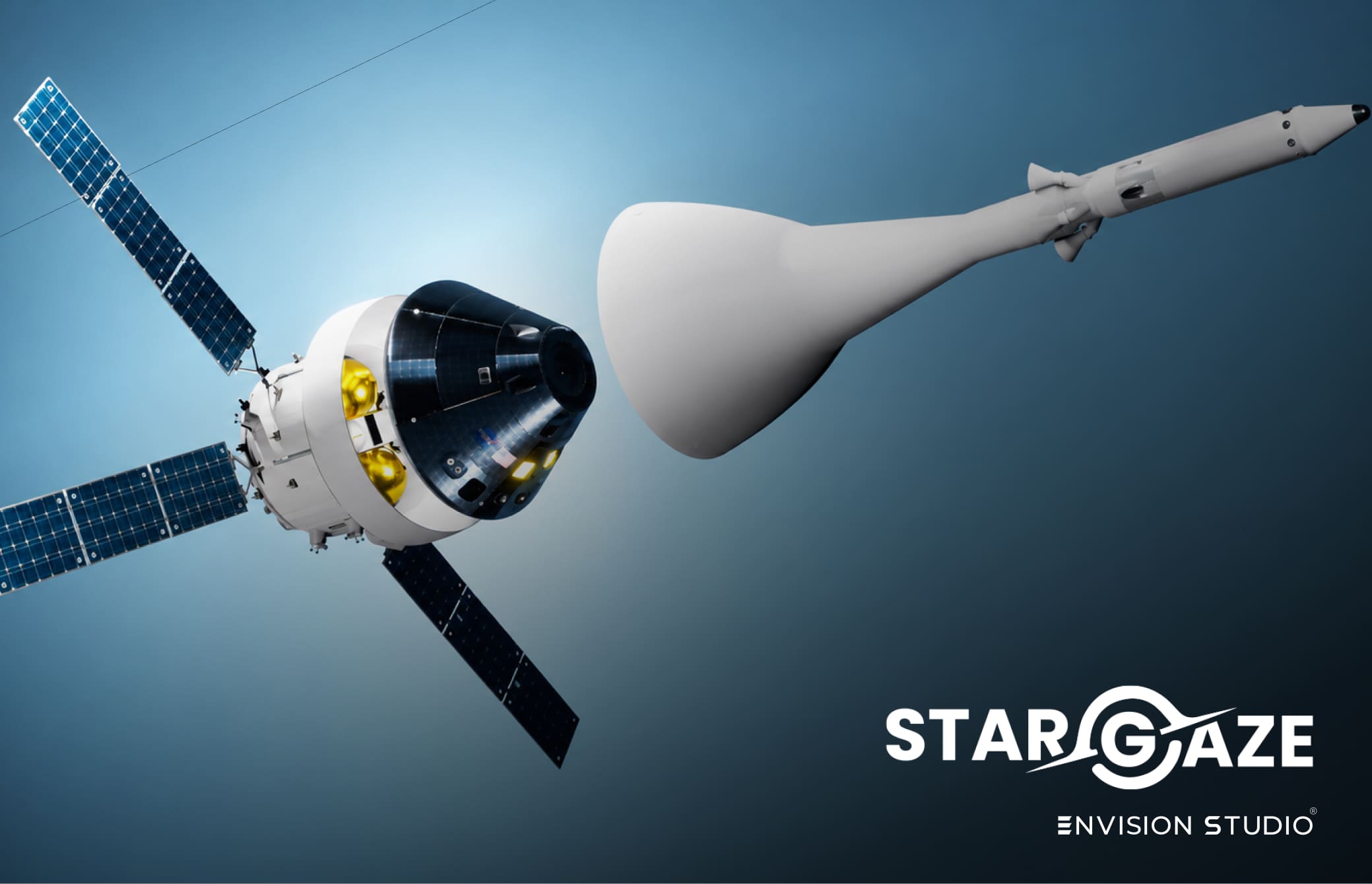
Looking for the best astronomy apps Meta Quest actually supports well? Even NASA has been building browser-based space visualization tools for years — but almost none of them were built for headsets. Here’s what’s actually out there, and why mixed reality changes what an astronomy app can do.
What NASA Already Built — Just Not for Headsets
NASA’s own suite of tools, called Eyes, is a set of free browser-based 3D visualization apps covering the entire solar system, thousands of near-Earth asteroids, and confirmed exoplanets around other stars — all built from real spacecraft data. The Eyes suite has even won multiple Webby Awards for how it presents this information.
It tracks over 160 NASA missions in real time, from launch to completion, and lets you click on almost anything you see to zoom in and explore it. It is genuinely one of the best free astronomy resources on the internet.
The catch: it’s built for a flat screen. You control the camera with a mouse. You never actually stand next to anything.
Why Astronomy Apps Meta Quest Users Want Are Different
The best astronomy apps Meta Quest owners are looking for solve exactly the limitation NASA’s own browser tools can’t — physical scale and presence. On a screen, Jupiter is always the same size as your monitor. In mixed reality, Jupiter can be the actual size of Jupiter, and you can walk around it, look up at it, or stand inside its shadow.
That difference — between watching a simulation and standing inside one — is the entire reason headset-native astronomy apps exist.
What to Look for in Astronomy Apps Meta Quest Supports
- True-to-scale objects — not just 3D models, but ones you can resize from desktop to real-world size
- Mixed reality passthrough — placing objects in your actual room, not a virtual void
- Accurate, sourced data — built from real spacecraft imagery and mission data, not generic 3D assets
- Multiple object types — planets, spacecraft, and historical figures, not just one category
Stargaze XR — Built Specifically for Meta Quest
Stargaze XR was built to answer exactly this gap. It brings all 8 planets, 10 historic spacecraft including Voyager and the ISS, and 7 real astronauts into mixed reality — placeable at any scale, from desktop-sized to true life-size, directly in your own room using Meta Quest passthrough.
Where NASA’s Eyes lets you watch a mission unfold on a screen, Stargaze XR lets you stand next to the spacecraft that flew it.
🥽 Download on Meta Quest |
🤖 Free on Android |
🍎 Download on iOS
Frequently Asked Questions
What are the best astronomy apps Meta Quest currently supports?
Stargaze XR is one of the leading astronomy apps Meta Quest supports for mixed reality, letting users place planets, spacecraft and astronauts at true scale using passthrough. NASA’s Eyes suite is the best browser-based alternative, though it is not built for headsets.
Does NASA have its own astronomy app?
Yes — NASA’s Eyes is a free suite of browser-based 3D visualization tools covering the solar system, asteroids and exoplanets, built from real spacecraft data and tracking over 160 missions in real time.
Why use a Meta Quest app instead of a browser tool?
Mixed reality apps let you place objects at true physical scale in your own room and walk around them, something a screen-based tool cannot replicate regardless of how detailed its data is.
Is Stargaze XR free on Meta Quest?
Stargaze XR is available on Meta Quest, with a free version also available on Android as Stargaze Lite and on iOS.
NASA mission and tool information sourced from NASA Science — science.nasa.gov/eyes