

 stargaze_admin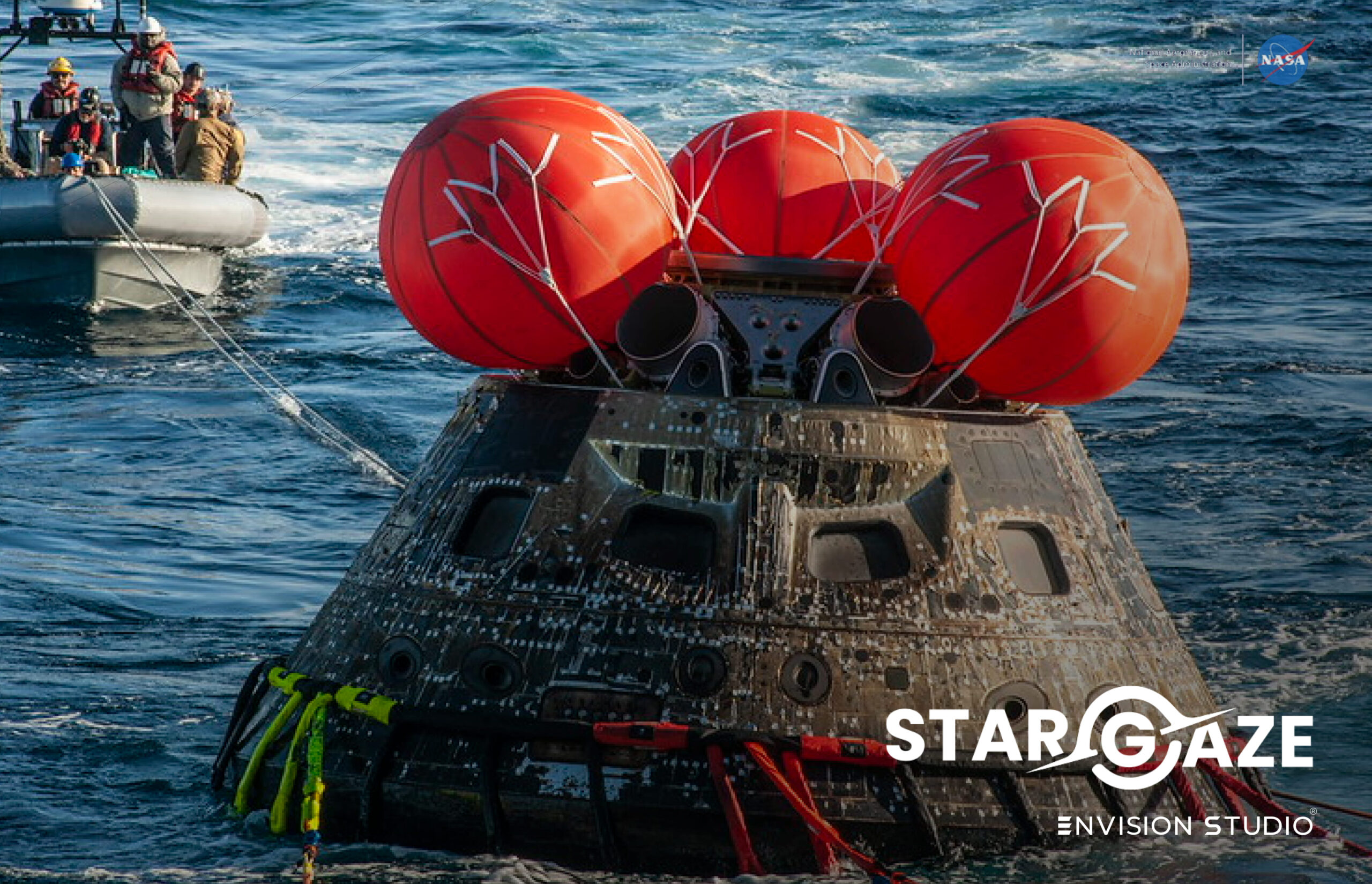
The best astronomy apps for Meta Quest in 2026 do something no telescope, textbook or planetarium visit can do — they place the universe inside your living room at any scale you choose.
Best Astronomy Apps for Meta Quest 2026: Explore Space in Mixed Reality
Meta Quest has fundamentally changed what astronomy apps can deliver. Where a smartphone shows you a planet on a small screen, astronomy apps for Meta Quest surround you completely in full colour mixed reality — Saturn’s rings stretch across your living room, the International Space Station hovers above your coffee table at accurate scale and Neil Armstrong stands in your kitchen.
This guide covers the best astronomy apps for Meta Quest available in 2026 — with honest detail on what each app actually delivers, who it is best for and how to get the most out of your Meta Quest for space exploration.
👉 Download Stargaze XR — explore the solar system on Meta Quest right now:
- 🥽 Stargaze XR on Meta Quest — USD 10.99
- 🤖 Also free on Android — Google Play
- 🍎 Also on iOS — App Store (USD 6.24)
How Meta Quest Changes Astronomy Apps
To understand why astronomy apps for Meta Quest are in a different category from smartphone AR it helps to understand what Meta Quest actually does.
According to Meta’s official Quest 3 specifications the headset delivers full colour mixed reality passthrough at 18 pixels per degree — more than twice the resolution of its predecessor. This means when you place a planet in your living room using an astronomy app for Meta Quest it does not look like a game object floating over a blurry background. It looks like something genuinely present in your real space.
Beyond visual quality there are three things that make Meta Quest uniquely powerful for astronomy apps:
Room Scale Tracking
Meta Quest tracks your physical position in space with precision — meaning when you walk around a virtual planet the planet stays exactly where you placed it. You can circle a life-size Jupiter examining its Great Red Spot from different angles, crouch down to look at its cloud bands from below or step back to see it in relation to the rest of your room. This is physically impossible on a smartphone.
Hand Tracking
Meta Quest 3 supports hand tracking without controllers — you can interact with astronomy app content using natural hand gestures. Pinch to select a planet, spread your fingers to scale it up, swipe to browse information panels. The interaction feels intuitive in a way that tapping a phone screen simply does not.
Standalone Operation
All astronomy apps for Meta Quest run completely standalone — no PC, no phone, no cables. Put on the headset and within seconds you are exploring space. This makes Meta Quest astronomy apps genuinely accessible for families, classrooms and casual users who want an immersive experience without technical complexity.
Stargaze XR — The Best AR Astronomy App for Meta Quest
Stargaze XR is the most comprehensive AR astronomy app for Meta Quest in 2026 — built specifically to take advantage of Meta Quest’s mixed reality passthrough for space exploration. Every object in Stargaze XR is placed in your real environment — not in a virtual recreation of a room, not in a simulated space environment, but in your actual living room, kitchen or garden.
The Planets
Stargaze XR includes all 8 planets of the solar system plus Pluto and the Moon — 10 planets in total, each rendered in photorealistic 3D detail:
- ☿ Mercury — the smallest planet, its heavily cratered surface rendered in accurate geological detail — a world that has barely changed in 4 billion years
- ♀ Venus — shrouded in thick clouds of sulphuric acid, the hottest planet in the solar system despite not being the closest to the Sun
- 🌍 Earth — place your home planet in your living room and see the continents, oceans and cloud systems rendered in photorealistic detail
- ♂ Mars — the Red Planet in full detail — Olympus Mons, Valles Marineris and the polar ice caps visible at scale
- ♃ Jupiter — the largest planet in the solar system — place it at life-size and it fills your entire garden. Its Great Red Spot storm has been raging for over 350 years
- ♄ Saturn — arguably the most visually spectacular planet in Stargaze XR — its ring system extends 282,000 km from the planet and is less than 1 km thick
- ⛢ Uranus — the ice giant that rotates on its side — its axial tilt of 97.8° means it essentially rolls around the Sun
- ♆ Neptune — the windiest planet in the solar system — its Great Dark Spot produces winds of 2,100 km/h
- 🌑 Pluto — reclassified as a dwarf planet in 2006 but no less fascinating — its heart-shaped nitrogen ice plain Tombaugh Regio is clearly visible
- 🌕 The Moon — place Earth’s natural satellite in your room and examine the Sea of Tranquility where Apollo 11 landed in 1969
The Spacecraft
Stargaze XR includes 10 of history’s most iconic spacecraft — each placed in your real environment at accurate scale:
- 🌕 Apollo Lunar Module — the spacecraft that carried humans to the Moon’s surface 6 times between 1969 and 1972. Place it at life-size and it stands 7 metres tall in your living room
- 🛸 International Space Station — at 109 metres wide the ISS at life-size will not fit inside your house. Place it in your garden and walk its full length — the most complex structure humans have ever built
- 🚀 Space Shuttle — NASA’s iconic winged orbiter that flew 135 missions between 1981 and 2011. At life-size the shuttle stands 23 metres tall — as high as a 7-storey building
- 🔭 Hubble Space Telescope — the telescope that gave humanity its deepest view of the universe. Launched in 1990, Hubble has made over 1.5 million observations and helped determine the age of the universe
- 🛰️ Voyager 1 — humanity’s most distant spacecraft, now over 23 billion kilometres from Earth. Launched in 1977 it is still transmitting data back to NASA 47 years later
- And 5 more historic spacecraft — each with detailed mission history and technical specifications
The Astronauts
Meet 7 of history’s most significant space explorers in mixed reality — standing in your room at life-size:
- 👨🚀 Neil Armstrong — Commander of Apollo 11, first human to walk on the Moon on 20 July 1969. His words — “one small step for man, one giant leap for mankind” — remain the most famous in space history
- 👨🚀 Yuri Gagarin — Soviet cosmonaut who became the first human in space on 12 April 1961 aboard Vostok 1. His 108-minute flight orbiting Earth changed human history
- 👩🚀 Valentina Tereshkova — Soviet cosmonaut who became the first woman in space on 16 June 1963 — 19 years before the USA sent its first female astronaut
- 👨🚀 Buzz Aldrin — Lunar Module Pilot on Apollo 11, the second human to walk on the Moon. His footprints in the lunar regolith are still there today
- And 3 more space legends — each with their complete mission history, nationality and key achievements
How to Use Stargaze XR on Meta Quest
- 1. Download Stargaze XR from the Meta Store
- 2. Put on your Meta Quest headset and launch the app
- 3. The app uses mixed reality passthrough — your real room is visible through the headset
- 4. Select a planet, spacecraft or astronaut from the menu
- 5. Use hand gestures to place it in your real environment — tap to confirm placement
- 6. Walk around the object, scale it up or down using pinch gestures and tap the information panel to learn more
- 7. Place multiple objects simultaneously to compare sizes — put Earth next to Jupiter to understand just how vast the gas giants are
Tips for the Best Experience
- 🏠 Use your largest room — life-size planets need space. The ISS at full scale will need your garden
- 💡 Dim the lights slightly — lower ambient lighting makes mixed reality objects appear more vivid and present
- 👨👩👧 Share the headset — the first time someone sees a life-size Saturn in their living room is genuinely unforgettable
- 📚 Read every information panel — Stargaze XR’s educational content is detailed and accurate — use it as a learning tool
- 📸 Take mixed reality photos — Meta Quest’s built-in screenshot captures planets and spacecraft in your real room — genuinely impressive images
Coming Soon — Artemis 2 Module
The Stargaze XR Artemis 2 module is currently in development — bringing NASA’s historic lunar programme to Meta Quest in mixed reality. Place the full 98-metre Space Launch System rocket at life-size scale in your garden, walk around the Orion spacecraft and meet the Artemis 2 crew — Reid Wiseman, Victor Glover, Christina Koch and Jeremy Hansen — in your living room.
Read our full guide on the Artemis 2 mission to learn everything about humanity’s return to the Moon and our guide on how to explore the solar system in AR across all devices.
👉 Download Stargaze XR on Meta Quest now — USD 10.99:
- 🥽 Meta Quest Store
- 🤖 Free on Android — Google Play
- 🍎 iOS — App Store (USD 6.24)
Frequently Asked Questions About Astronomy Apps for Meta Quest
What is the best astronomy app for Meta Quest in 2026?
Stargaze XR is the best dedicated AR astronomy app for Meta Quest in 2026 — placing 10 photorealistic planets, 10 historic spacecraft and 7 real astronauts directly in your real environment using Meta Quest’s full colour mixed reality passthrough. It is available on Meta Quest for USD 10.99 and completely free on Android.
What makes astronomy apps better on Meta Quest than on a smartphone?
Meta Quest delivers full immersion — planets and spacecraft surround you completely rather than appearing on a small screen. Room scale tracking allows you to physically walk around life-size objects. Hand tracking lets you interact naturally with gestures. These capabilities are impossible to replicate on a smartphone screen.
Do astronomy apps for Meta Quest work without a PC?
Yes — Stargaze XR and all Meta Quest astronomy apps run completely standalone. No PC, phone or cables required. Put on the headset and you are immediately in space.
Is Stargaze XR available on devices other than Meta Quest?
Yes — Stargaze XR is available on Android (free), iOS (USD 6.24) and Meta Quest (USD 10.99). The Meta Quest version delivers the most immersive experience using full colour mixed reality passthrough — but the Android and iOS versions offer the same content on your smartphone or tablet.